Get everyone on board with Satispay Group Collections

From daily expenses and group trips to birthday gifts. Use Satispay to collect money stress-free, in a flash.

No more endless group chat threads

Remember when collecting money for school, friends, or family meant doing complex math that never added up? And there was always someone who didn't have the exact change. We have the solution to all of that.


Create your Group Collection in seconds, share the link, and let everyone contribute their share simply and securely. Forget about chasing people for money and enjoy the experience stress-free!

How to create a Group Collection with Satispay

01

Create your collection

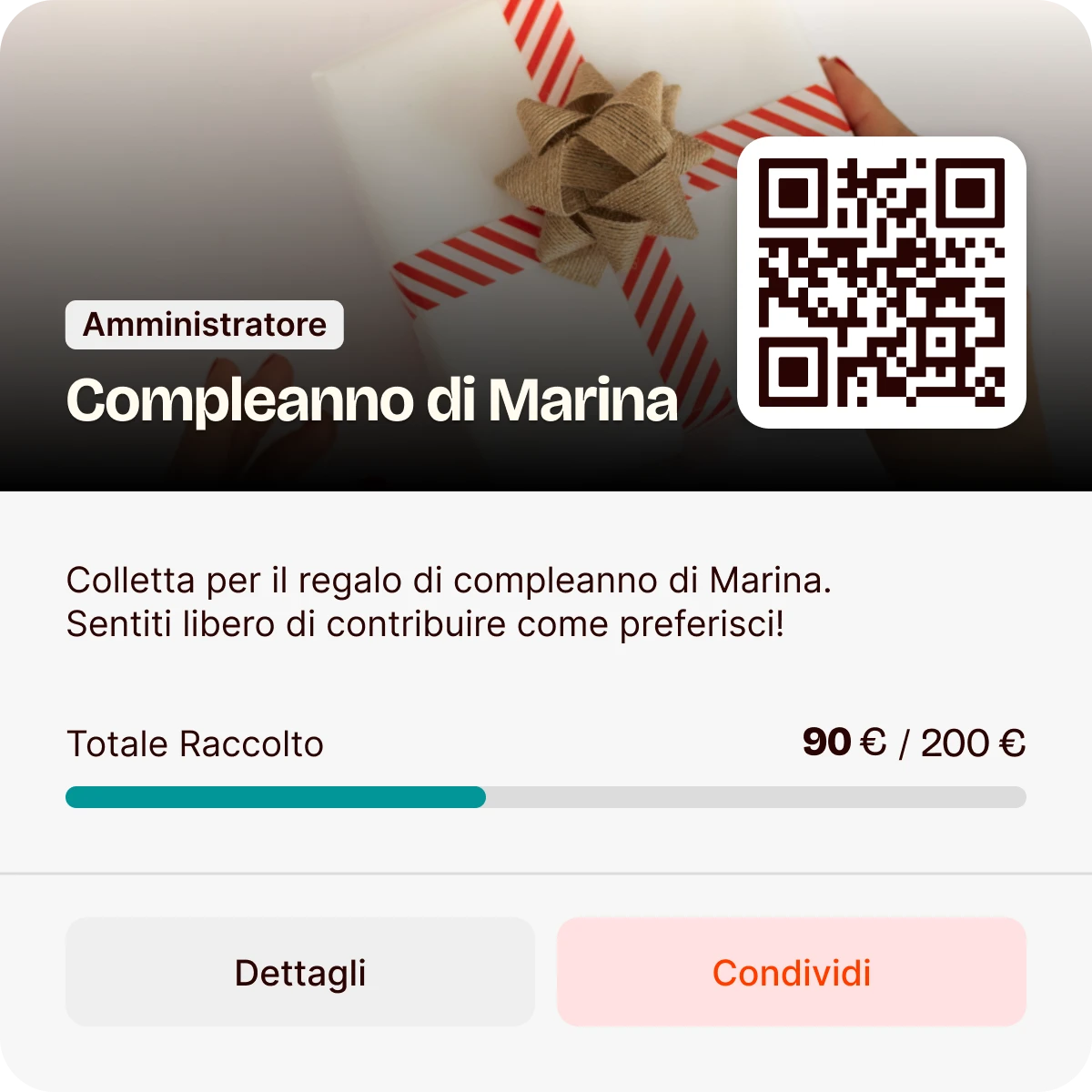
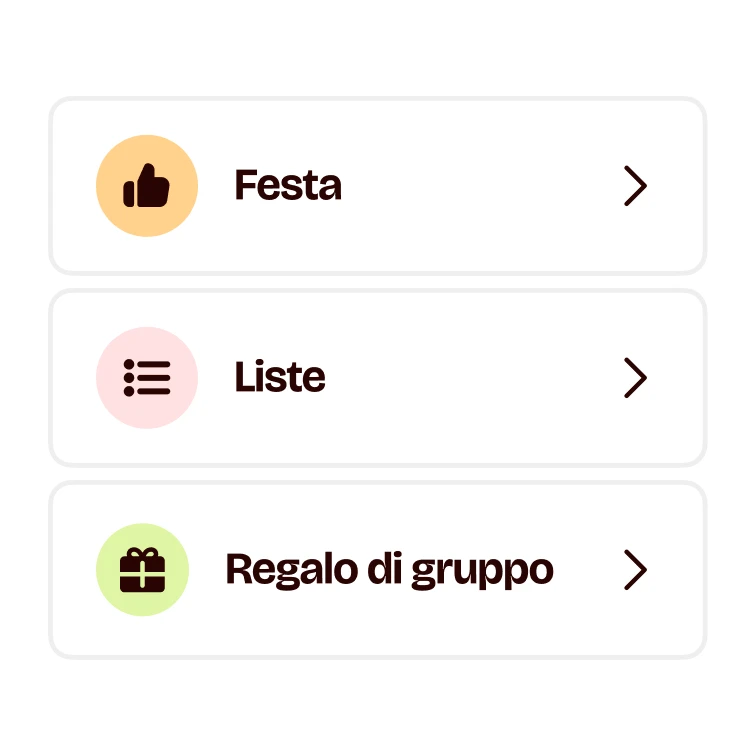
Go to Services and then Group Collections. Select Create New and enter the details: name, description, target amount, and even an image if you like.

02

Invite anyone you want

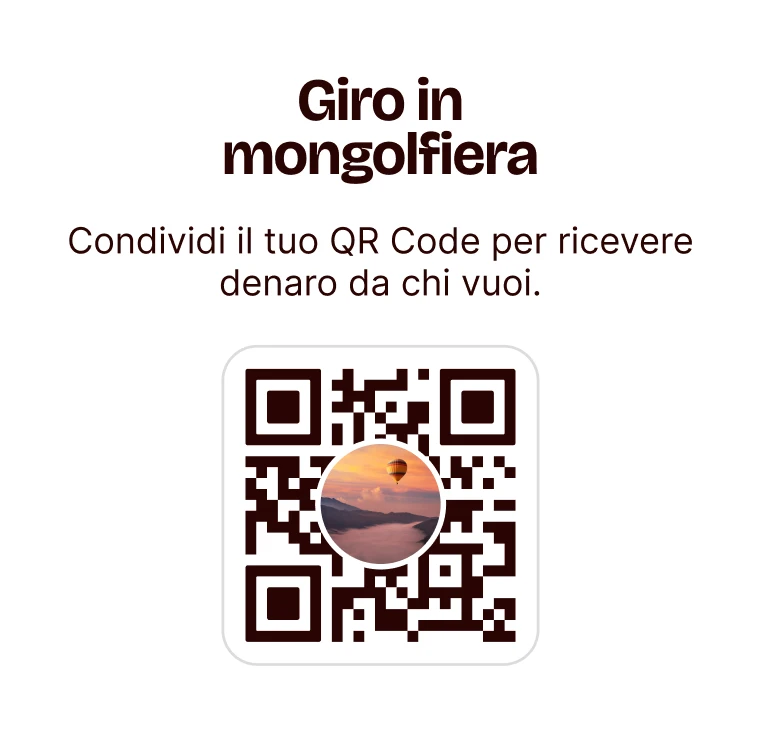
Open your Group Collection and tap Share. Show your QR Code or send a link via your favorite channel—WhatsApp, SMS, email, Telegram, and more.

03

How do they contribute?

Your friends simply open the link or scan the QR code to chip in. Anyone can participate—all they need is Satispay.

Why choose one app for all your group collections?

The convenience of having everything you need in your pocket. The simplest solution is always: “Let’s just use Satispay.”

Icon

Zero commission fees

Creating a Money Pool and adding funds is completely free. Moving money to your available balance or refunding contributors is also free.

Icon

Total flexibility

Everyone contributes what they want. Plus, the pool creator can choose to show or hide the total amount and participant list.

Icon

Secure for everyone

You can't go wrong. Our group collections are instant and secure. It’s so simple that even the least tech-savvy person can use it.

Some questions about our group collections

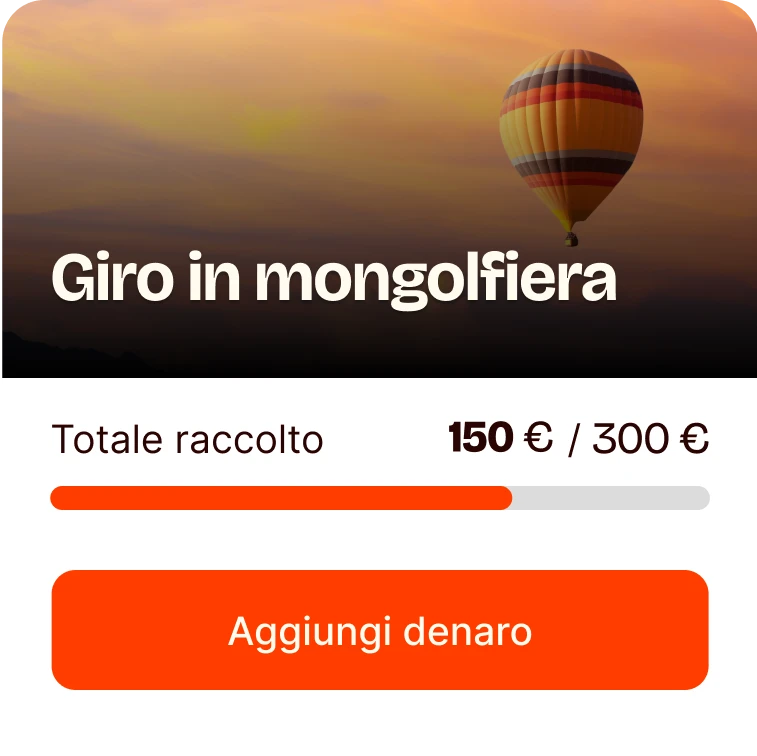
Tap on the group collection > select add money > choose an amount from your available balance > click add.

Tap on the group collection > select withdraw Money > choose the amount (or the total) > click withdraw.


💡In qualsiasi momento puoi archiviare la Colletta cliccando in alto a destra il simbolo 📥

Go to your group collection, tap share, and send the link via your preferred channel (WhatsApp, SMS, Email, Telegram…).


  1. Your friends click the link.
  2. They tap Contribute.
  3. They choose the amount from their balance and hit Contribute.


💡 Note: Every contact can decide whether to make their name and amount visible, regardless of your collection settings.

Tap on the group collection > click on the specific transaction you wish to refund > refund money.

Join Satispay and high-five your future projects

Joining Satispay deserves more than just a "thank you". Sign up now and receive a €5 Bonus¹ with the code WEB.

Have questions? We’re here to help

We’ve put together a section with the most frequent questions we receive about Satispay.

Donna che organizza una colletta su Satispay con facilità

We are at your disposal for any additional information. Contact us.

Should you have any questions regarding our service for accepting payments please email us at business@satispay.com

Payment services are provided by Satispay Europe S.A., registered under no. W00000010 in the Register of Electronic Money Institutions at the Commission de Surveillance du Secteur Financier and under no. B229149 in the Luxembourg Business Register. Registered office: 53, Boulevard Royal, L-2449 Luxembourg.

Corporate welfare services are provided by SatisWelfare S.p.A., tax code and registration number in the Milan Business Register no. 12408640964. Registered office: Piazza Fidia 1, 20159 Milan.
Investment services are provided by Satispay Invest S.A. registered under No. P00000555 in the Register of Investment Firms at the Commission de Surveillance du Secteur Financier and under no. B285448 in the Luxembourg Business Register. Registered office: 53, Boulevard Royal, L-2449 Luxembourg.