We don't want to keep any secrets from you

And for this reason, we'll give you all the best tips and tricks to get the most out of the more hidden features. Are you new to the app? Or have you been using it for a while? Here's how to make your Satispay experience even more enjoyable. Explore, learn, and use the app to the fullest.

Downloading the Satispay app is just the beginning

Then you can do everything you need, even from the comfort of your sofa: exchange money with friends, schedule payments, or organize collections. And with these suggestions, it will be even simpler and faster.

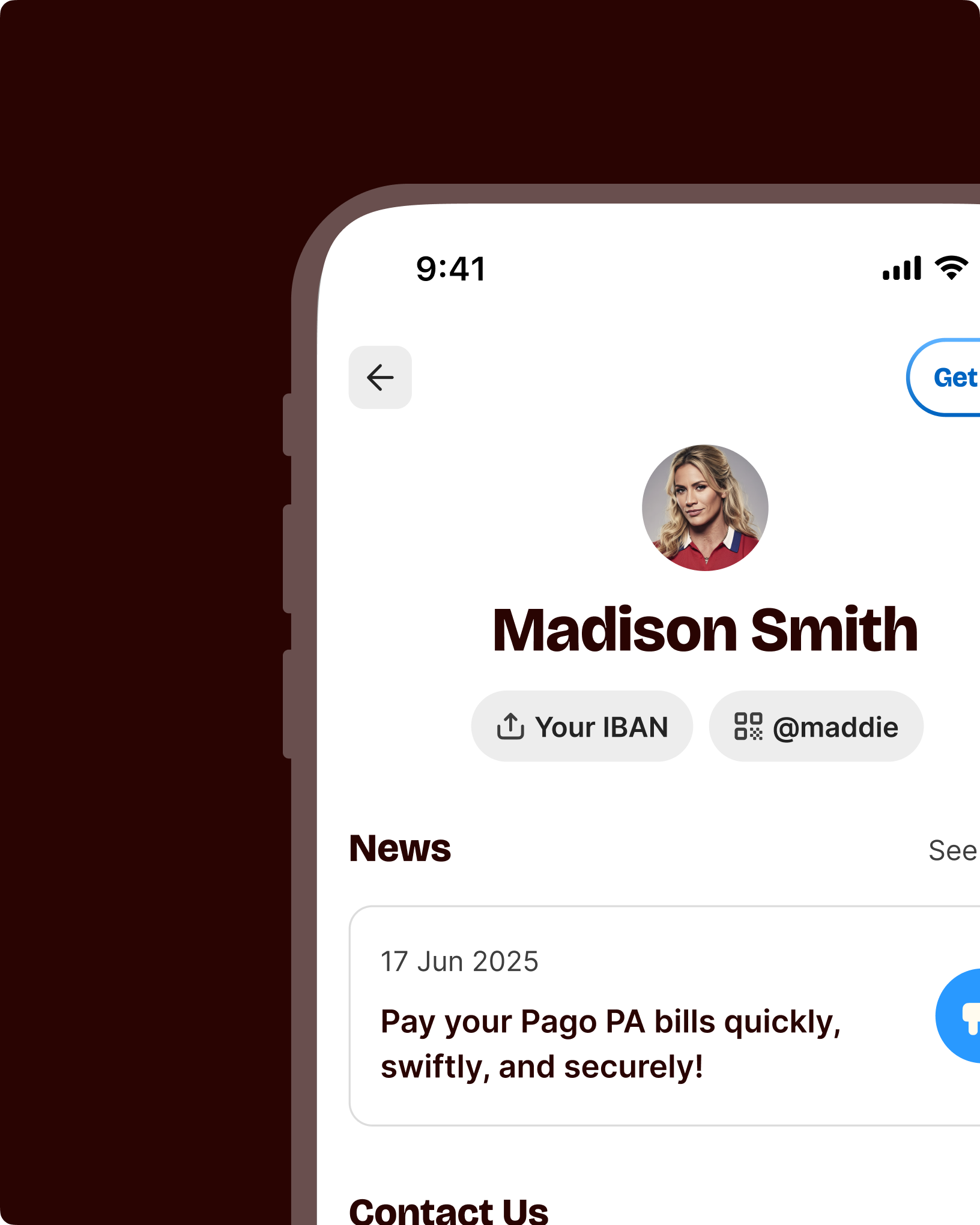
Need to request a payment? Go to Profile; next to your name, you'll find a menu to quickly access your personal QR Code.

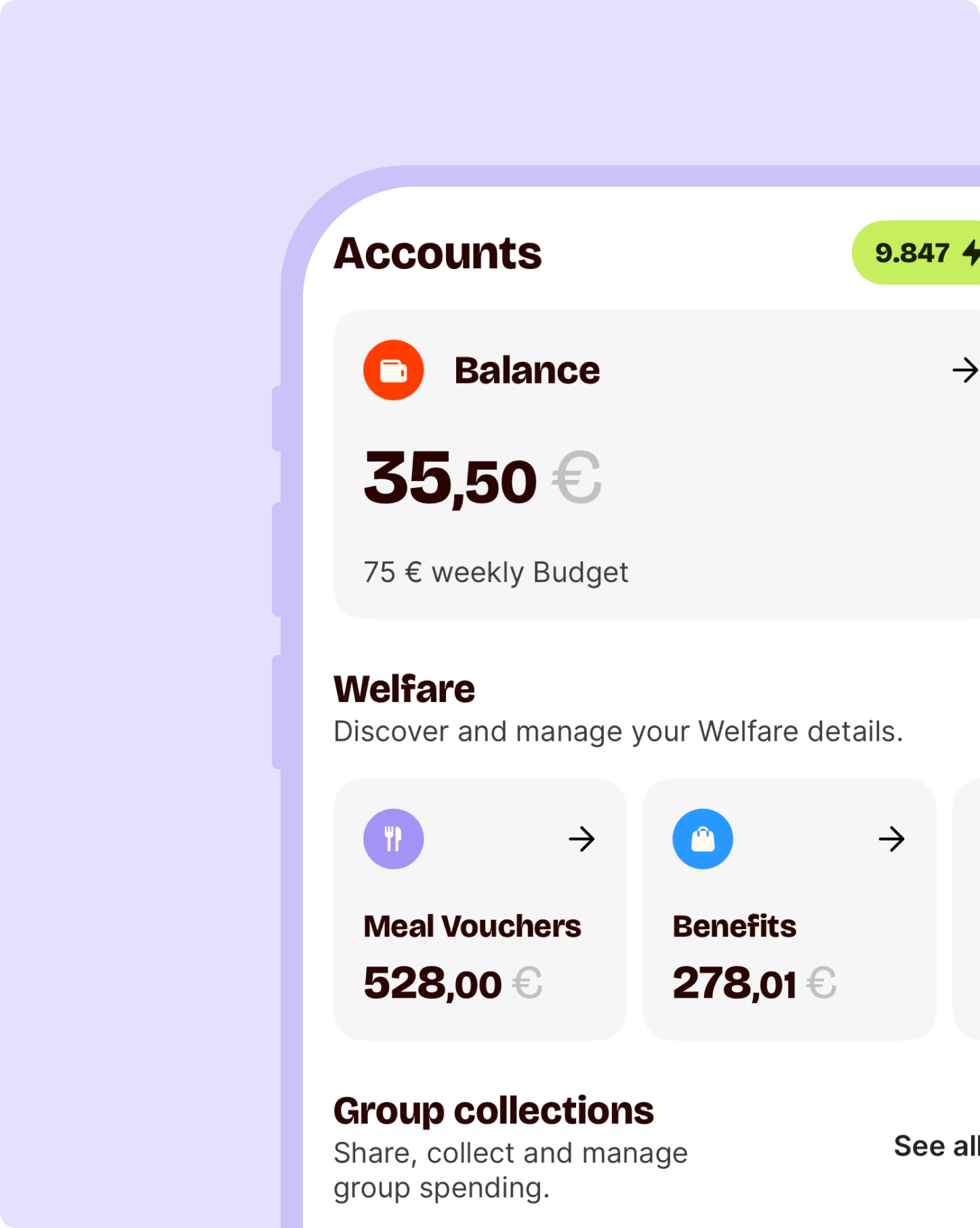
What do you want to pay with? If, in addition to your Available Balance, you also have Corporate Welfare in your account, you can choose how to make the payment.

Is it time to pay? When you are at the checkout, open your Satispay app and swipe left to scan the QR Code and pay in a flash.

Don't want to run out of phone credit? If you have an iOS operating system, long-press a recent top-up and choose to make it recurring, so you never have to think about it again.

In a rush? On iOS, use Haptic Touch (long-press) on the Satispay icon to access quick actions for: Savings, Top-ups, and QR Code.

All about the stores near you

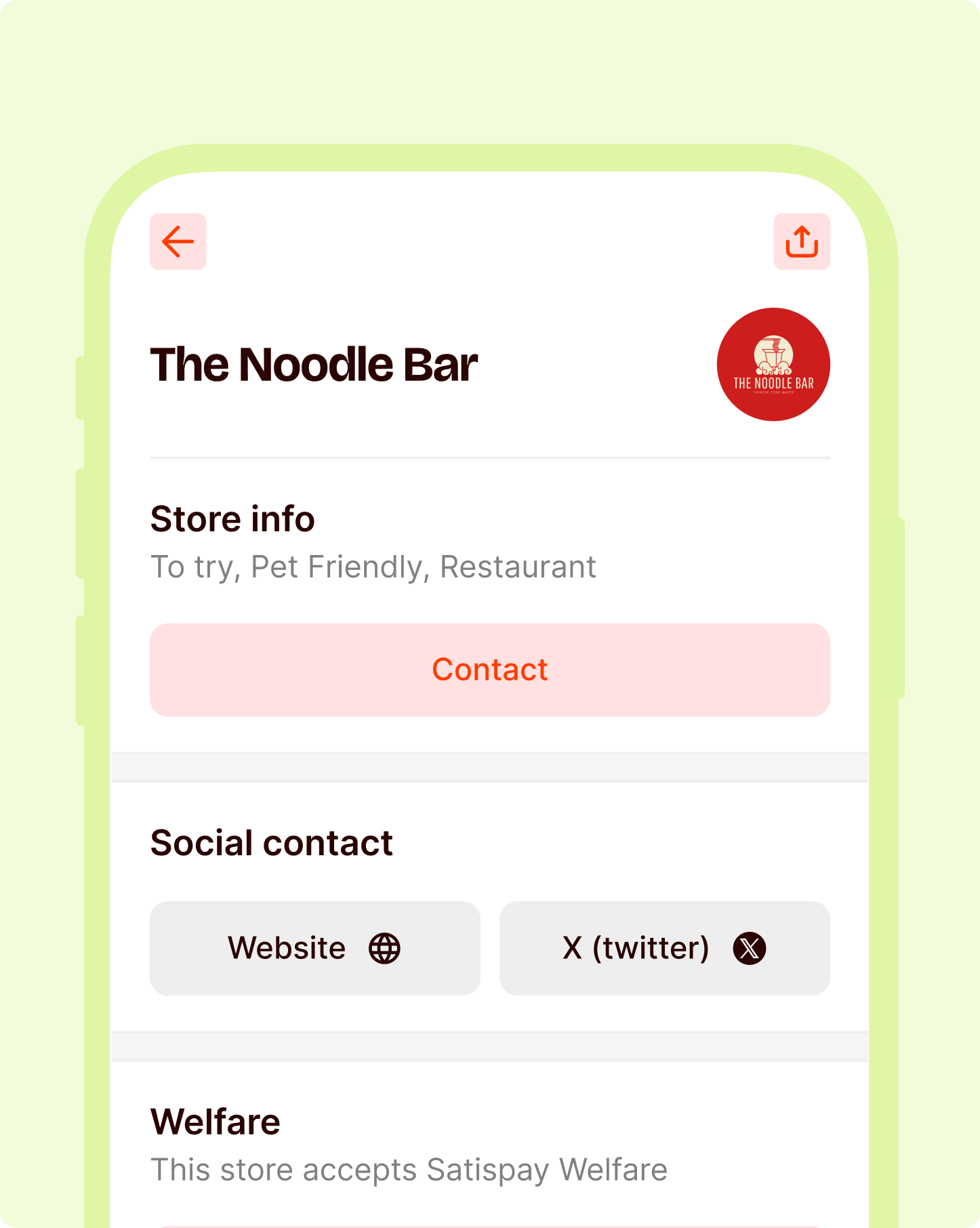
When you tap on a store icon, you see all the info you need: address, map, social channels, and whether they accept Meal Vouchers and Purchase Vouchers. And if you want to find other stores, even outside your area, use the search bar or change your current location.

To keep your finances always under control

Checking your balance, setting your Budget, and making frequent payments: some actions are performed more often than others. So why not make them instant? Here’s how to find what you need in just a few taps and always have funds available to grant every wish.

Your balance is always visible

In every section of the app you are in, you can see how much money you have available. Next to the name of the Stores, Services, or Contacts pages, you will find the € symbol. Tap it to see your total balance.

Budget as you like it

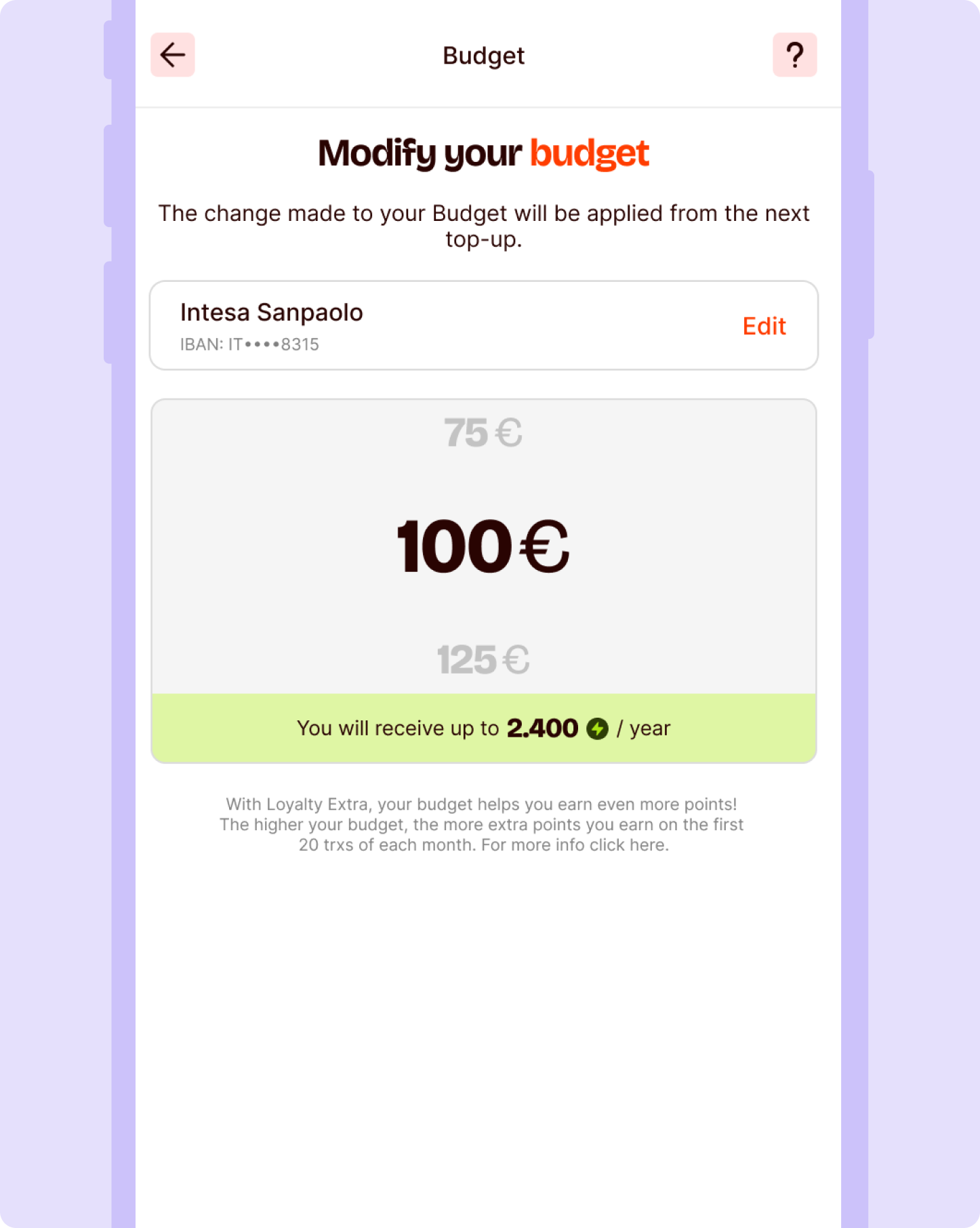
You have total freedom and flexibility to manage your Budget. Go to Profile > Manage Available Balance > Budget > Advanced Settings and choose the minimum top-up threshold and the weekly or monthly crediting frequency.

Important info about your contacts

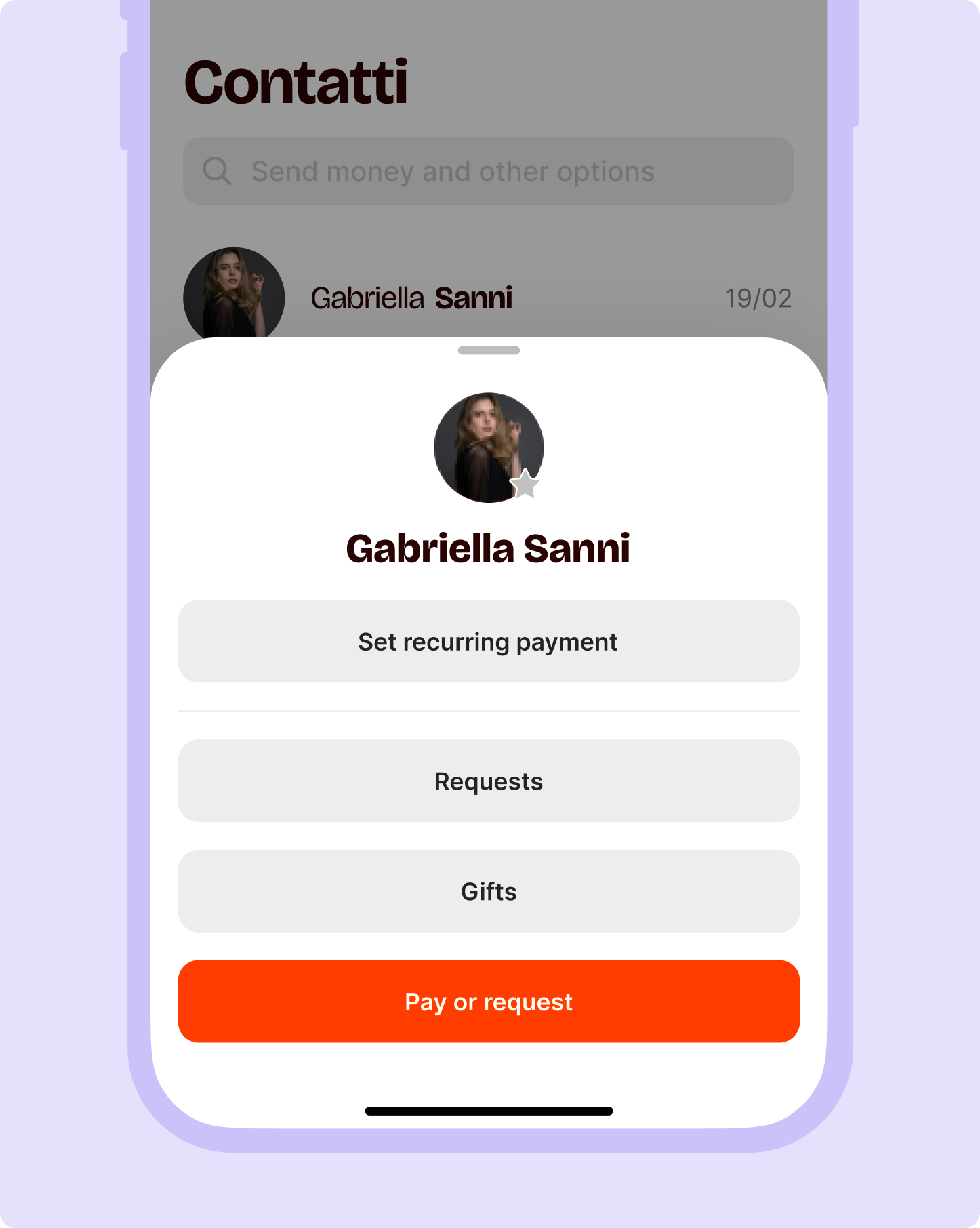
With your contacts, you have the most frequent actions close at hand. Tap a contact's icon to see their phone number and check if there are any active recurring payments. Or set one up!

How well do you track your expenses?

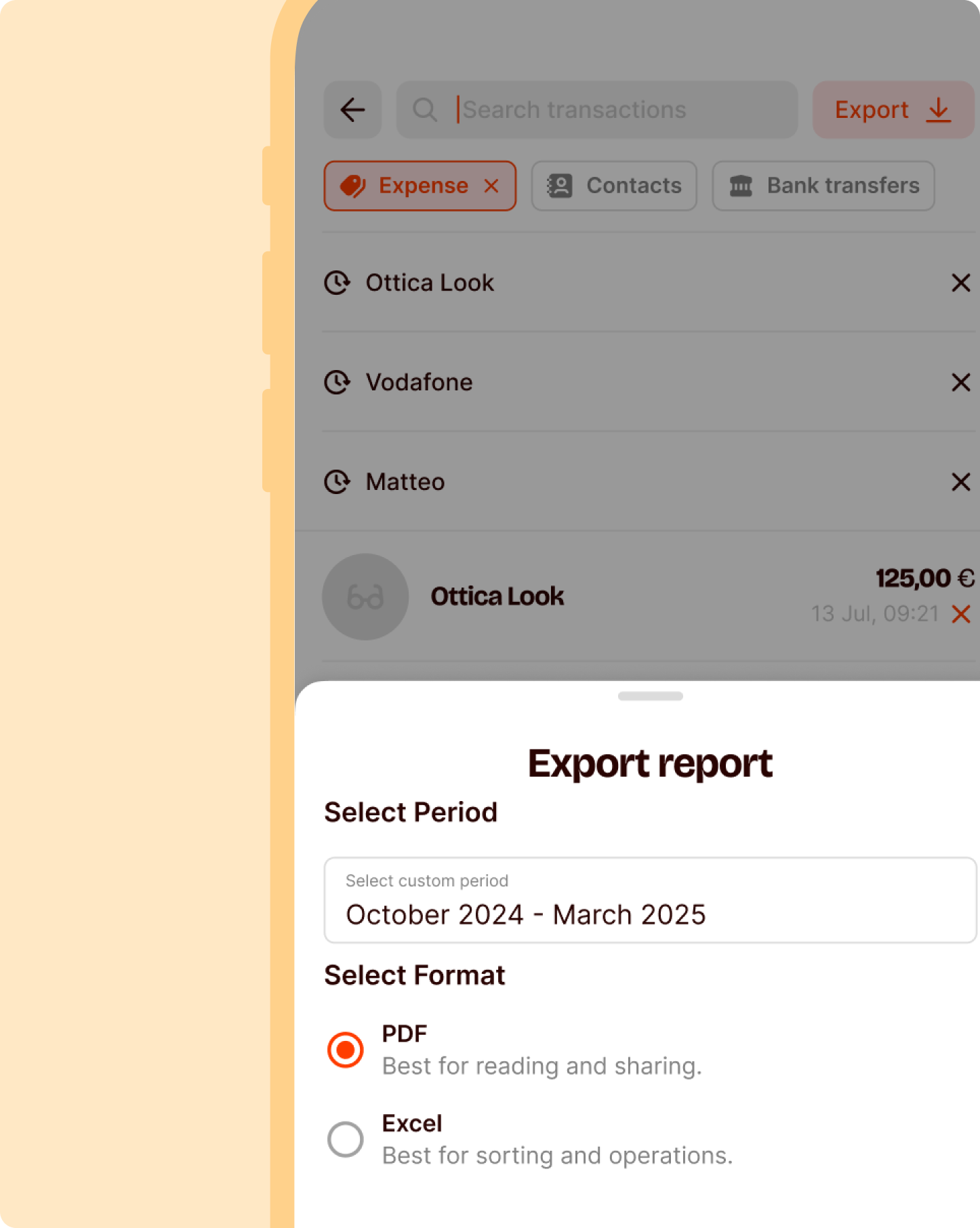
On your profile, you will find your transaction history. Use the search bar and choose filters to see how much you spent at your favourite bar or how much money you paid back to your best friend. And, if you need it, download a table of your annual or monthly transactions to always have it handy.

Your Group Collections organized with the archive feature

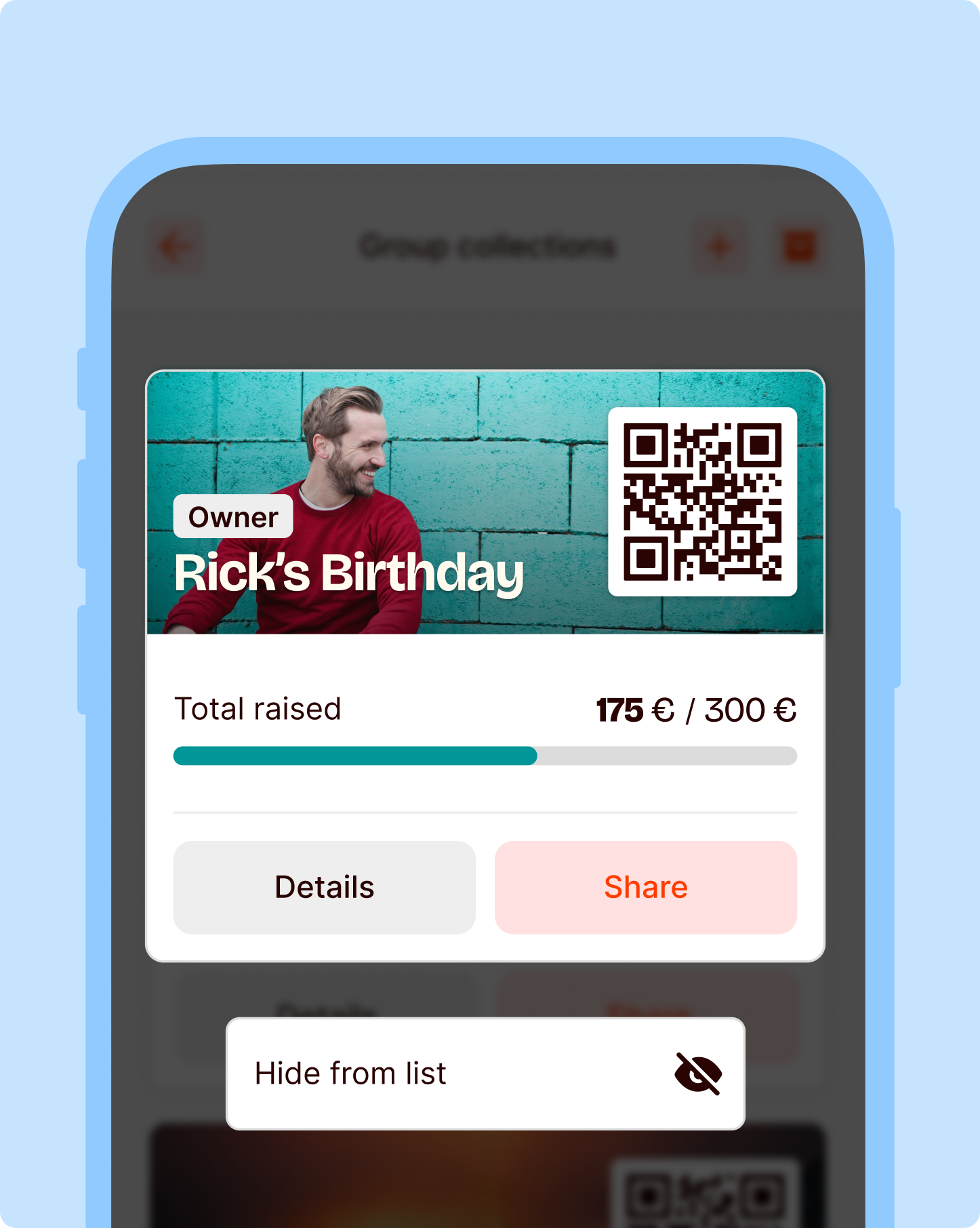
Too many Group Collections? Put them in the right place with the archive. Long-press the Collection you want to move and select Hide from list. This way, you can declutter and keep only active Collections visible.

Sign up for Satispay and maximize your personalized experience

Start your Satispay experience with a bang. Sign up and receive a 5€ Bonus¹ with the promocode WEB.

We are at your disposal for any additional information. Contact us.

Should you have any questions regarding our service for accepting payments please email us at business@satispay.com

Payment services are provided by Satispay Europe S.A., registered under no. W00000010 in the Register of Electronic Money Institutions at the Commission de Surveillance du Secteur Financier and under no. B229149 in the Luxembourg Business Register. Registered office: 53, Boulevard Royal, L-2449 Luxembourg.

Corporate welfare services are provided by SatisWelfare S.p.A., tax code and registration number in the Milan Business Register no. 12408640964. Registered office: Piazza Fidia 1, 20159 Milan.
Investment services are provided by Satispay Invest S.A. registered under No. P00000555 in the Register of Investment Firms at the Commission de Surveillance du Secteur Financier and under no. B285448 in the Luxembourg Business Register. Registered office: 53, Boulevard Royal, L-2449 Luxembourg.