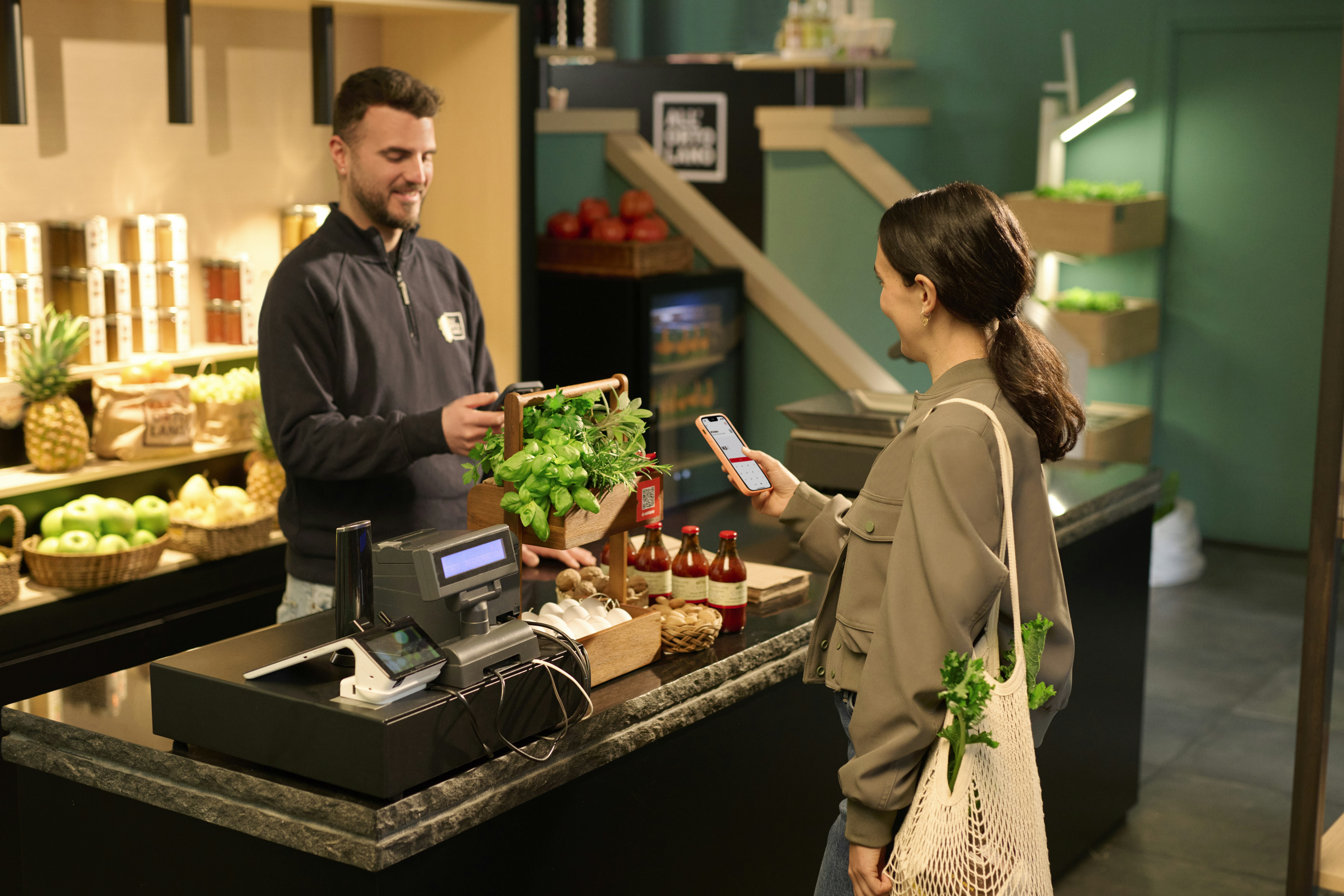
Spending Satispay Meal Vouchers is quick and easy. Follow this short guide to learn how to use them at participating stores.
Find participating stores near you in no time.
The static QR code is displayed at the till and is used by small businesses such as bars, restaurants and grocery stores.
Check how much you paid with Meal Vouchers at any time.
Meal Vouchers are automatically set as your priority payment method, so they will be used before your Available balance.
Meal Vouchers are just one of the many things you can have with Satispay. But there is much more. Here is everything you can do with the app.

Have questions? We’re here to help
We have created a section featuring some of the questions we receive most frequently about Satispay.
Check the FAQsWe are available if you need any further information. Contact us
Find out how to secure your account and block access in just a few steps. Click here!